How do I give a player OP on my Minecraft server?
How to give a player OP rights on your Minecraft server from the console in the game panel, and how to remove them again with deop.
By Yvan Watchman Updated
You give a player OP in the game panel console with the command op <playername>. An OP (operator) can use all admin commands, such as /gamemode, /whitelist and /ban.
Give a player OP
- Log in to the game panel and open your server.
- Make sure the server is running.
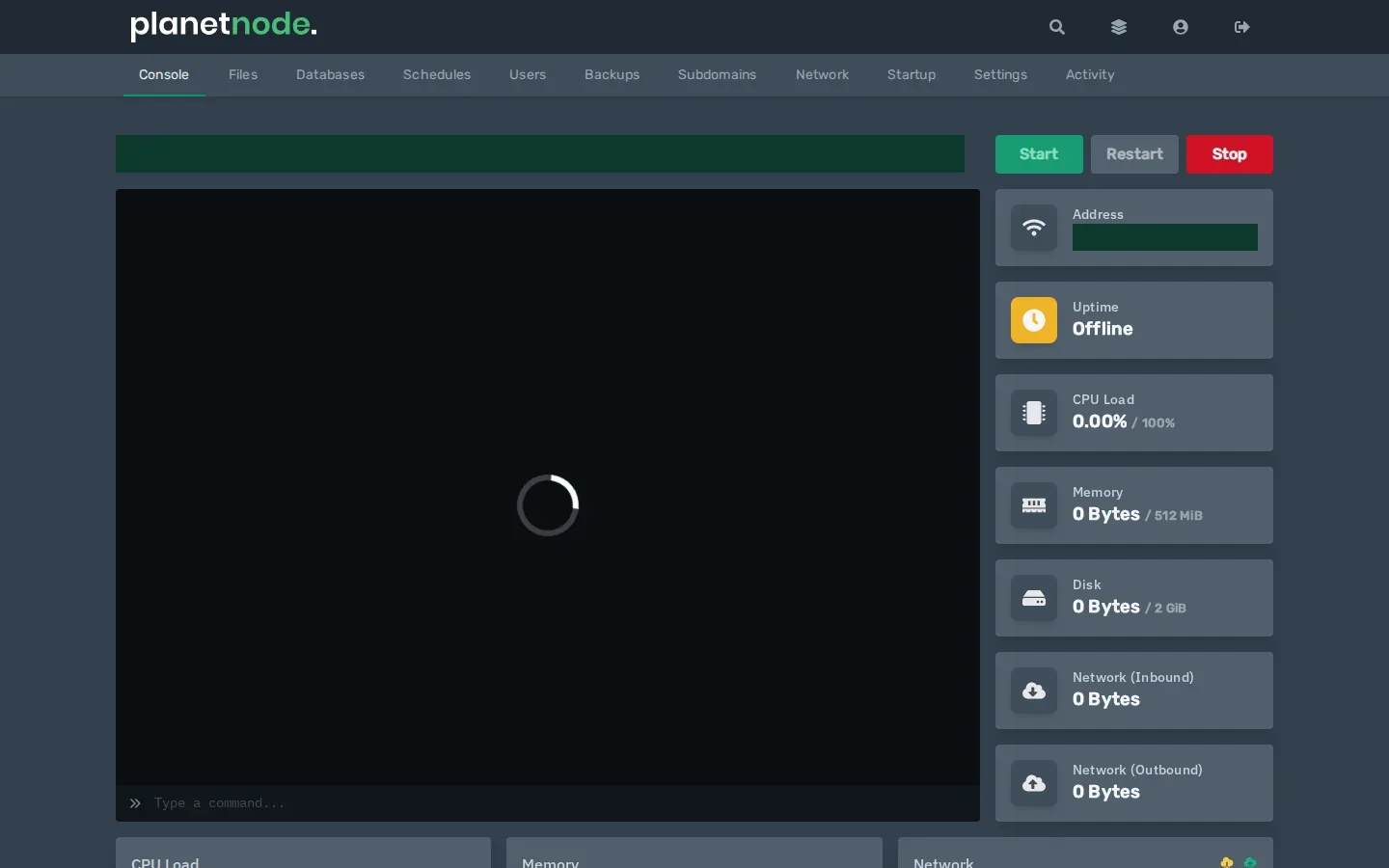
- At the bottom of the Console, in the Type a command... field, type:
op <playername>Replace <playername> with the player's Minecraft name, for example op Steve.
Tip
In the console you type commands without a /. In the Minecraft chat you do put a / in front.
Remove OP again
deop <playername>Note
Only give OP to people you trust. An OP can ban players, change the world and make other players OP too.
Give fewer rights
Want to give someone a few commands but not full OP? Use a permissions plugin such as LuckPerms. It lets you decide per player or group which commands are allowed. It works on Paper, Purpur and Spigot. See How do I install a plugin on my Minecraft server?
Check
The console shows Made <playername> a server operator. In Minecraft the player can now use /gamemode creative, for example. Everyone with OP is also listed in the ops.json file under Files.
Did this article help you?
Related articles
How do I change the Java version of my Minecraft server?
Every Minecraft version needs its own Java version. This is how you choose the right Java version for your Minecraft server in the game panel.
How do I change the version of my Minecraft server?
How to move your Minecraft server to a different version: download the jar from our mirror, replace server.jar and choose the right Java version.
How do I install mods on my Minecraft server?
How to install mods on your Minecraft server with Fabric: place the server launcher, add Fabric API and upload your mods to the mods folder.
Why does my Minecraft server crash?
Does your Minecraft server crash or not start? Find the error and fix the most common causes, from the Java version to plugins and memory.