How do I install a plugin on my Minecraft server?
How to install a plugin on your Minecraft server with Paper, Purpur or Spigot: download it, upload it to the plugins folder and restart.
By Yvan Watchman Updated
You install a plugin by putting its .jar file in your server's plugins folder and restarting the server. This works on Paper, Purpur, Spigot and Bukkit. Plugins do not work on Vanilla, Fabric or Forge.
What you need
- A server running Paper, Purpur or Spigot. The console shows which one at the top during startup. To switch, see How do I change the version of my Minecraft server?
- A plugin made for your Minecraft version. You can find plugins on Hangar, Modrinth and SpigotMC.
Install a plugin
- Download the plugin. Mind the version: pick one that matches your Minecraft version.
- Log in to the game panel and open your server.
- Go to Files and open the
pluginsfolder. - Click Upload and choose the
.jarfile. Several plugins at once is easier with SFTP.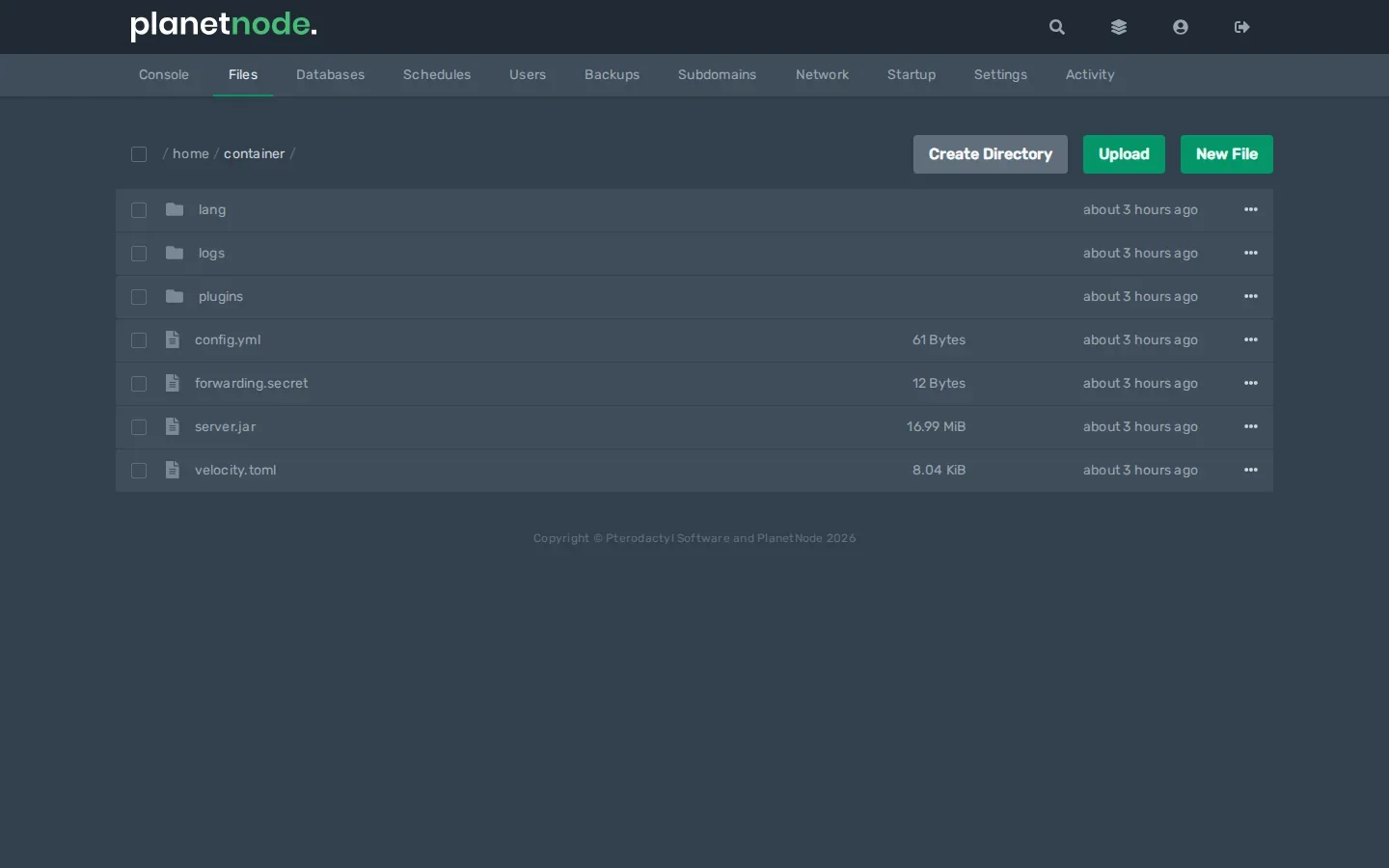
- Restart your server with Restart in the console.
Note
Do not use /reload to load plugins. It often causes errors; always restart the server.
Check
Type in the console:
pluginsIt lists every loaded plugin. A green name means the plugin works; a red name means it did not load properly. Then look in the console for an error with the plugin's name.
Configure the plugin
After the first start, a plugin usually creates its own folder in plugins with a config.yml. You can open and edit it in Files. Restart your server afterwards.
Remove a plugin
Stop your server, delete the .jar file from plugins and start the server. You can also delete the plugin's settings folder if you no longer need it.
Related
Did this article help you?
Related articles
How do I change the Java version of my Minecraft server?
Every Minecraft version needs its own Java version. This is how you choose the right Java version for your Minecraft server in the game panel.
How do I change the version of my Minecraft server?
How to move your Minecraft server to a different version: download the jar from our mirror, replace server.jar and choose the right Java version.
How do I install mods on my Minecraft server?
How to install mods on your Minecraft server with Fabric: place the server launcher, add Fabric API and upload your mods to the mods folder.
Why does my Minecraft server crash?
Does your Minecraft server crash or not start? Find the error and fix the most common causes, from the Java version to plugins and memory.