How do I add an extra port to my game server?
How to add an extra port in the game panel, for example for voice chat or a web map. New ports are open for TCP and UDP.
By Hermie Updated
You add an extra port yourself in the game panel, under Network with the Create Allocation button. Every port you add is open for TCP and UDP right away.
When do you need an extra port?
For plugins and mods that use a port of their own, for example:
- Simple Voice Chat (UDP)
- a web map such as Dynmap, BlueMap or squaremap
- Votifier or NuVotifier
- a query or RCON port
Not for Geyser
You don't need an extra port for Bedrock players via Geyser: every Minecraft and proxy server already has its own Bedrock port, and your server already starts Geyser on it. A port you add here isn't used by Geyser automatically. See How do I let Bedrock players join my Java server?
Add a port
- Log in to the game panel and open your server.
- Go to Network and click Create Allocation.
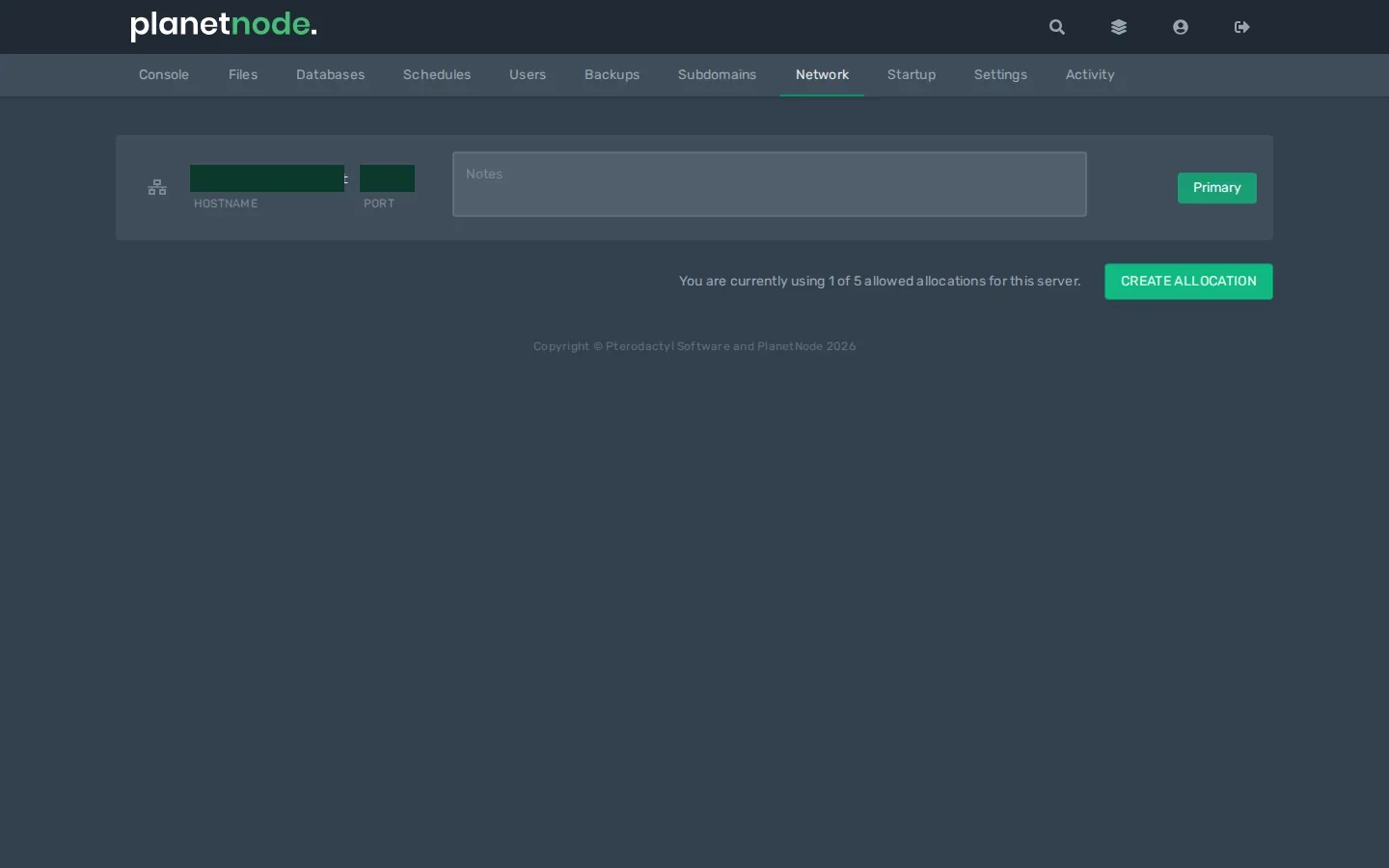
- The new port appears in the list at Port. Optionally enter what it's for at Notes, for example
Voice chat.
New ports get a number between 27000 and 27499.
Use the port
- Stop your server.
- Enter the port number in the plugin's or mod's configuration file, usually at a setting like
port. - Start your server.
Players or other services then connect with your server's address and this port.
Tip
Can't add a port, for example because your server already has the maximum number of ports? Open a ticket.
Check
When it starts, the console or the plugin's log file shows which port it listens on. That should be your new port.
Did this article help you?
Related articles
How do I make a backup of my game server?
How to make a backup of your game server in the game panel, download or restore it, and make your own copy via SFTP.
Connect via SFTP
How to open your game server's files with an SFTP client: find the details in the game panel, connect, and fix the most common problems.
How do I optimize my Hytale server settings?
Learn how to optimize your Hytale server settings for better performance, including render distance and other configuration options.
How do I upgrade my Hytale server?
How to move your Hytale server to a bigger package in the client area, and when that helps.